This post demonstrates how to display an image that is stored in the site’s
static/ folder. The image file lives at static/images/outliner.png, and
because everything under static/ is copied to the site root at build time, it
is served at /images/outliner.png.
Basic Markdown image
Use a root-relative path (starting with /) so it works from any page:
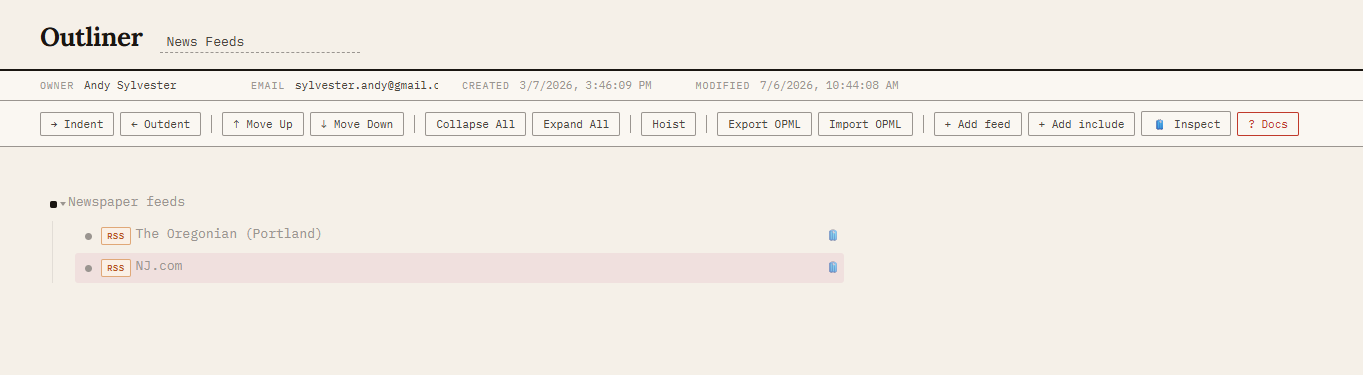
The markup above is simply:

Sizing and alignment with HTML
Because goldmark.renderer.unsafe is enabled in hugo.yaml, you can also drop
in a raw <img> tag when you need to control size or float the image:
That was produced with:
<img src="/images/outliner.png" alt="..." style="max-width:50%" />
To add your own images, save the files in static/images/ and reference them as
/images/your-file.png.